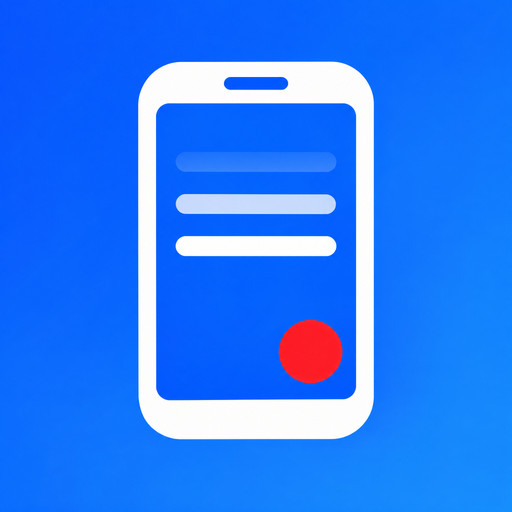
How it works
- 1. Type or paste your text, or open it from a file.
- 2. Place your head in the circle and press the red button.
- 3. The text starts scrolling, you read and record. The finished video is saved to Photos (Gallery).
Where your text comes from
- Type or paste from the clipboard – from an e-mail, notes or any other app
- My texts – texts saved on your phone for recording again
- TXT file – from Files, iCloud Drive, Google Drive or OneDrive
- Texts from a server – texts prepared in advance on your own web address, sorted by day
While recording
- adjustable scrolling speed (10 levels) and font size
- tap the text to pause scrolling
- optional empty lines before the text starts
- word count and estimated reading time for every text
- a circle that helps you frame your head
Subtitles in the video
Turn on subtitles and the text you read is burned into the saved video. Choose the position (top, middle, bottom), the look (dark bar, white bar, white or yellow text with outline) and the size. Perfect for videos people watch without sound.
Videos are saved with the date and a short description in the name, so you can find them easily in Photos.
Texts from a server (advanced)
If you record regularly, you can prepare your texts in advance on your own website. In the app settings, enter the address that contains an index.json file and, next to it, folders named by date (YYYYMMDD) with TXT texts (UTF-8):
{
  "20261116": ["Webinar invitation.txt", "Tip of the day.txt"],
  "20261117": ["What's new in the app.txt"]
}
In the app you then pick a day and a text and start recording.
Privacy and support
The app collects no personal data. Your texts and videos stay on your phone and nothing is sent anywhere. See the privacy policy for details.
Questions, comments and ideas for improvement: info@kvintech.com. We appreciate every piece of feedback.